General settings
The gear in the menu opens Settings. Each user has their own interface preferences; other cards are only visible to an administrator.
Language, theme and other interface settings are stored in the browser (localStorage). If you open NOPAL from another browser or computer, you get the defaults again.
General settings
| Setting | What it does |
|---|---|
| Language | Spanish, English, Portuguese (Brazil), French or German |
| Preview quality | Quality of previews |
| Interface scale | Size of the interface |
| CNC panel mode | Simple or Advanced |
| Confirm before Home | Asks for confirmation before sending the machine home |
| Auto Refresh | Automatic refresh |
| Show offline machines | Keeps offline machines visible |
| Sound alerts | Audible alerts |
| Guided tour | Turns the tours on or off. See Help Center |
Customize Settings page lets you choose which card groups are shown depending on screen size.
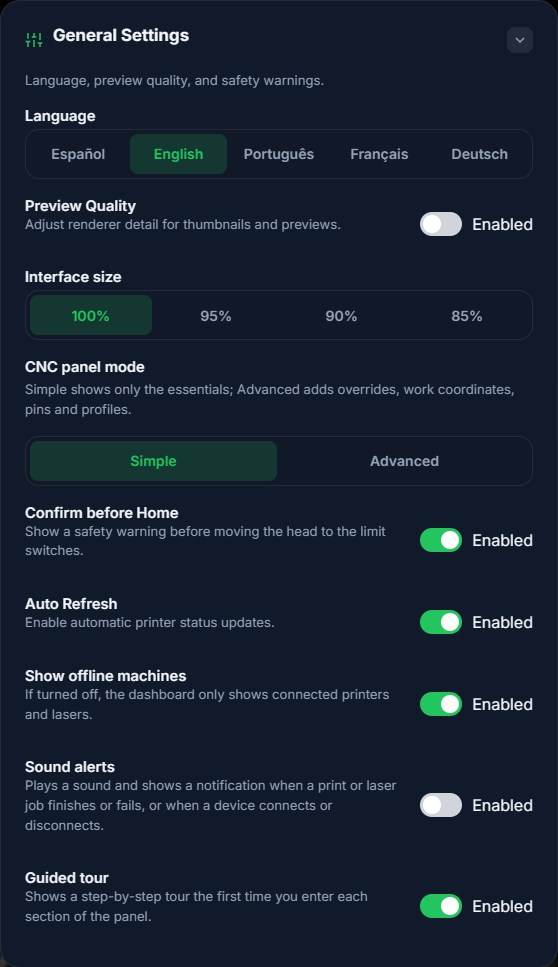
NOPAL 1.2.0-alpha.1 screenshot · English interface · NOPAL Style theme.
Themes
Light, Black, NOPAL Style, Red and a custom theme with your own background image (PNG, JPG or WEBP, up to 2 MB; 1600×900 recommended). "AI Mode" also appears when NOPAL Intelligence is enabled.
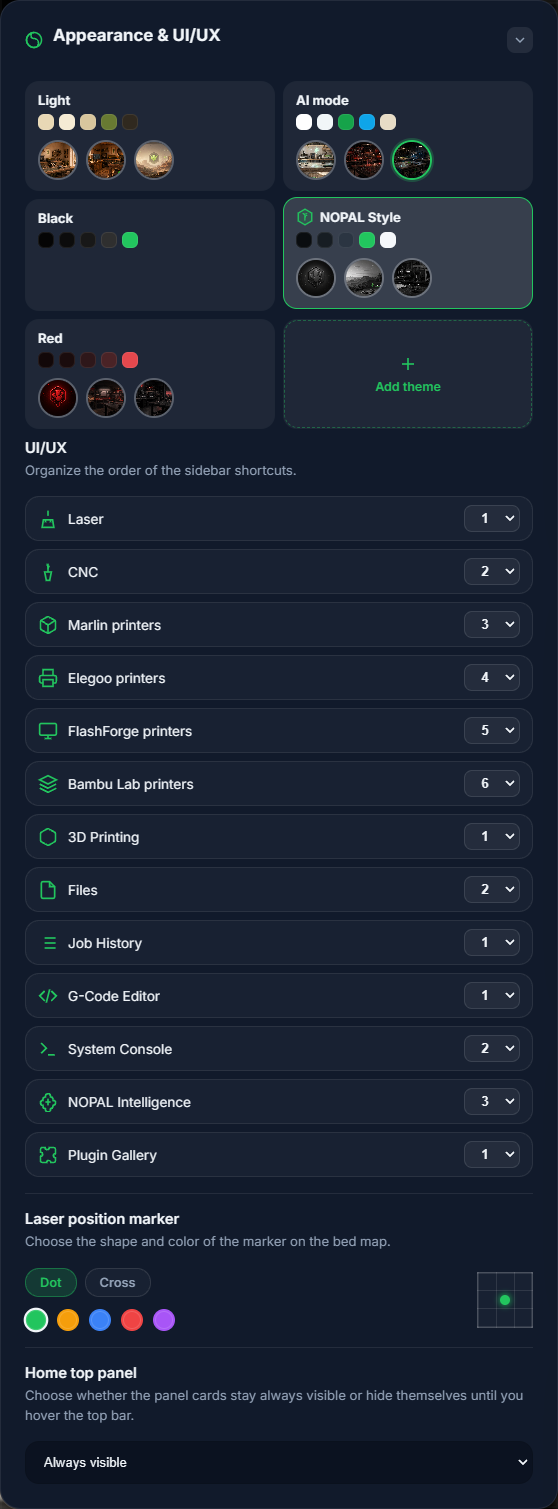
NOPAL 1.2.0-alpha.1 screenshot · English interface · NOPAL Style theme.
Administrator-only cards
These cards are hidden from the operator: Artificial intelligence, Users, Logs (log level), Updates, Devices, Accessories and Backup. Details in Administration.